
Fills
A fill style sets what a filled area is painted with. The Fill tool and Filled Freehand always use it, and Rectangle, Circle, Ellipse and Polygon use it when Filled is chosen.
The toolbar’s Fill button shows the current style and opens Fill options.
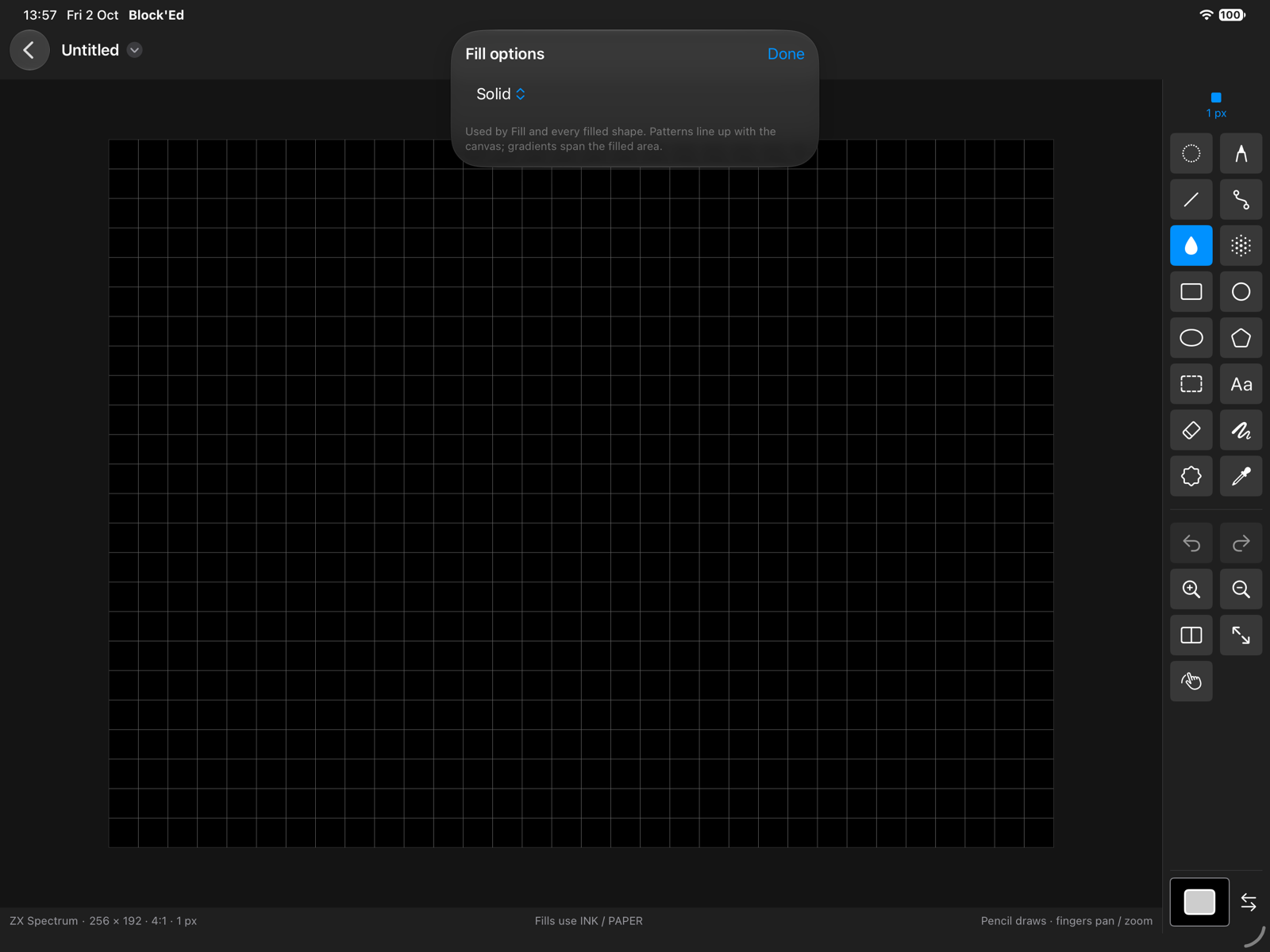
Styles
| Style | Paints |
|---|---|
| Solid | the foreground colour |
| Pattern | a checker, stripes or dots in the foreground and background colours |
| Gradient | a gradient from the foreground to the background colour |
| Brush tile | the custom brush repeated across the area |
| Brush stretch | the custom brush stretched to the area’s bounds |
| Brush wrap | the custom brush wrapped across the area |
| Brush perspective | the custom brush through the perspective settings |
In an attribute mode, patterns and gradients use INK and PAPER, and a gradient dithers from PAPER to INK.
Pattern
| Control | Sets |
|---|---|
| Pattern | Checker, Stripes or Dots |
| Pattern scale | 1 to 8 pixels per element |
| Transparent background | leaves the background colour’s pixels unpainted |
Gradient
| Control | Sets |
|---|---|
| Direction | Horizontal, Vertical or Radial |
| Reverse | runs the gradient the other way |
| Dither endpoints | dithers between palette steps; not in attribute modes |
Brush fills
The four brush styles paint with the custom brush, shown in the options as Captured brush · width×height. Include transparent brush colour paints the brush’s transparent colour too. Perspective settings… appears for Brush perspective; see Drawing Helpers.
← User Guide · Next: Selections »