
Colours and Palettes
The colours a stroke draws with, and the palettes they come from.
Foreground and background
Every document has two colours to draw with.
| Mode | Foreground | Background |
|---|---|---|
| ULA, Hi-Colour | INK, 0 to 7 | PAPER, 0 to 7 |
| every other mode | a palette index | a palette index |
The colour well at the foot of the toolstrip shows the foreground in front of the background. The colour a stroke draws with has a white border. Tapping either colour opens its picker, and the button beside the well swaps them.
A stroke draws with the foreground. It draws with the background instead when the Apple Pencil double-tap has switched to it, or when a mouse’s right button starts the stroke; see Apple Pencil and Mac Input. In a palette mode the background is also what the eraser writes and what fills and opaque text use behind them.
Attribute cells
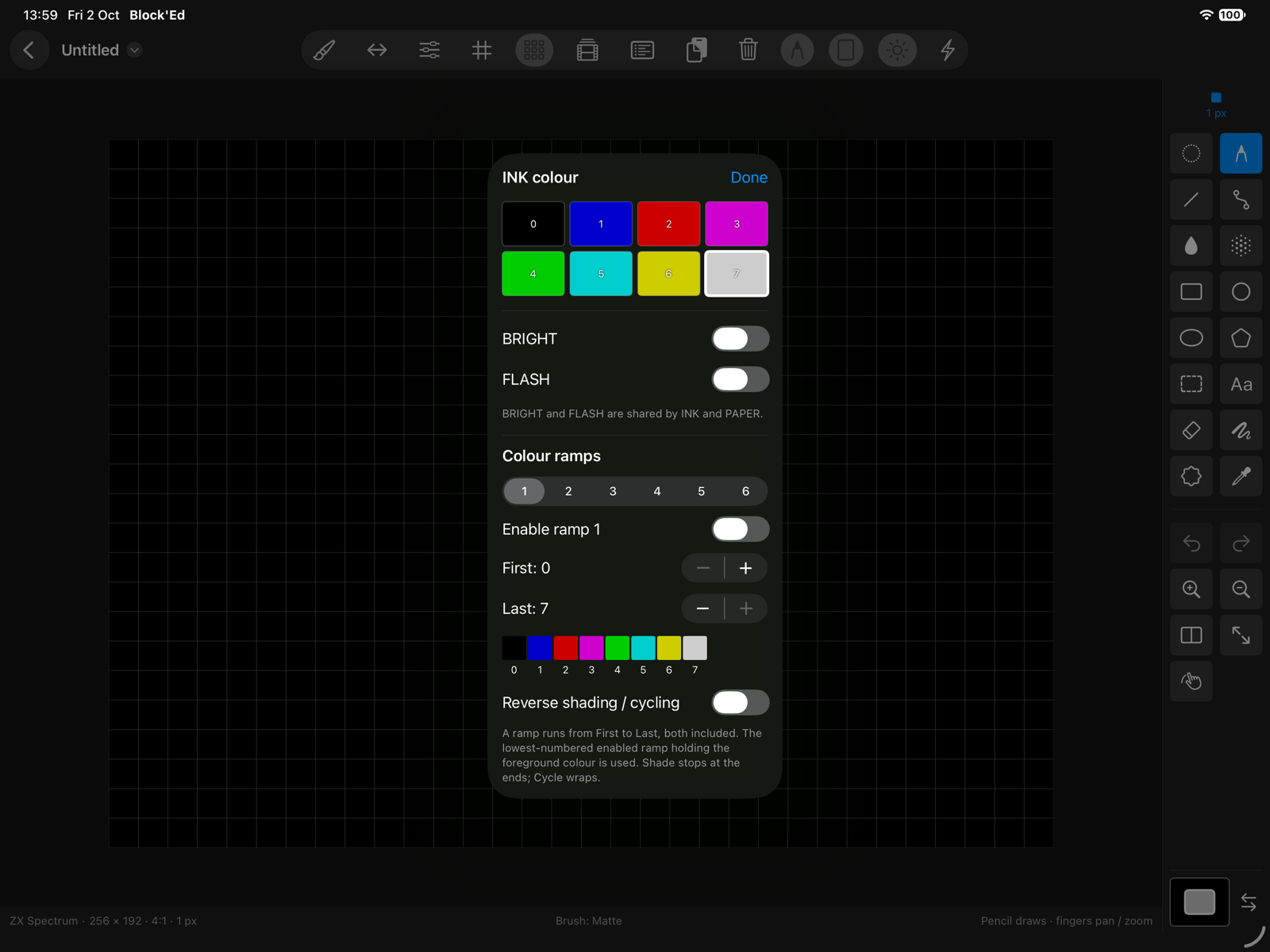
In ULA and Hi-Colour each cell holds an INK, a PAPER, BRIGHT and FLASH. A stroke writes the fields switched on in the toolbar:
| Switch | Starts | Writes |
|---|---|---|
| INK | on | the cell’s INK |
| PAPER | on | the cell’s PAPER |
| BRIGHT | on | the cell’s BRIGHT |
| FLASH | off | the cell’s FLASH |
With INK and PAPER both on, a stroke sets pixels to INK, or to PAPER when drawing with the background. With only INK on it sets pixels to INK, and with only PAPER on it sets them to PAPER. With both off it changes the pixels and leaves every attribute as it was.
If a cell holds blue INK on black PAPER and you draw in red with only INK on, every INK pixel in that cell turns red, and the PAPER stays black.
The INK and PAPER pickers show the eight colours at the current BRIGHT, with BRIGHT and FLASH toggles. BRIGHT and FLASH are shared by INK and PAPER.
Pattern banks
In 4-bit sprites and 4-bit tiles each pattern displays through one bank of 16 palette entries. The toolbar’s PIXEL switch writes each pixel’s value within the bank, and BANK sets the pattern’s bank to the foreground’s. One of the two is always on.
Palette picker
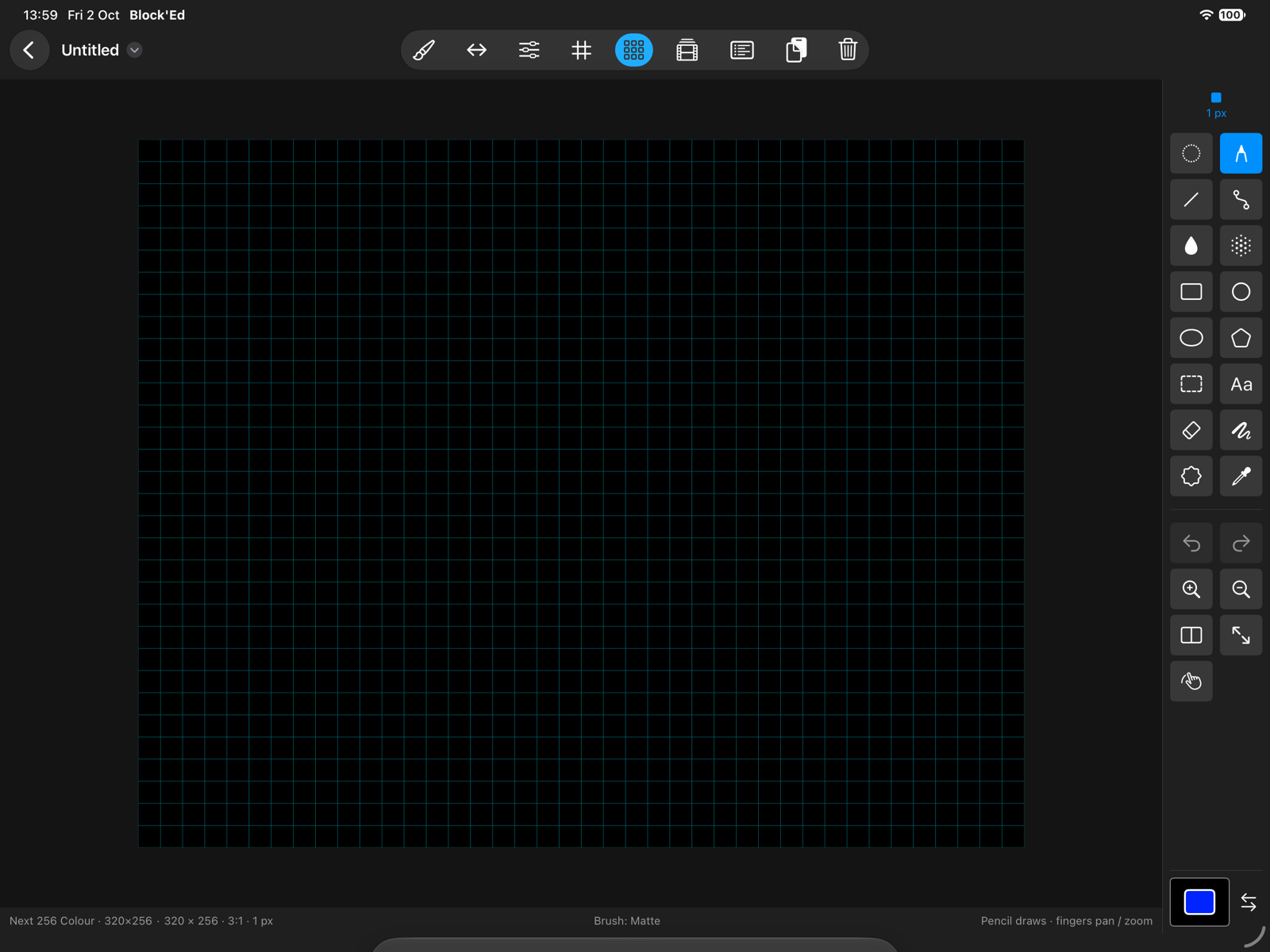
In a palette mode, the foreground and background pickers show the palette as a grid: 16 entries across for a 256-colour palette, 4 for a 16-colour one. LoRes 16 colours shows the 16 entries of its bank. Tapping an entry chooses it.
The foreground picker also edits the palette:
| Control | Does |
|---|---|
| Colour model | edits the entry in RGB, HSV or CMYK; every model stores RGB with 8 levels a channel |
| Transparent | makes the entry the transparent index; in a sprite or tile mode, the transparent value |
| Priority | sets the entry’s Layer 2 priority bit; not in sprite or tile modes |
| Palette offset | LoRes 16 colours only: the bank, 0 to 15, moving the foreground and background into it |
One slider drag is one undo step.
Highlight Priority Pixels in the View menu marks every pixel whose entry has the priority bit.
Hi-Res only: The picker offers the eight inks. The paper is always the ink’s complement.
Palette operations
Below the colour editor:
- Copy writes the foreground entry’s colour over the next entry tapped.
- Exchange swaps the foreground entry’s colour with the next entry tapped.
- Spread fills the entries between the foreground and the next entry tapped with even steps between their two colours, in RGB or HSV as Spread in chooses.
- Clear sets every entry to the foreground entry’s colour.
- Undo undoes the last change.
- Revert restores the palette as it was when the picker opened.
If entry 16 is white and entry 23 is black, choosing 16, then Spread, then tapping 23 sets 17 to 22 to six greys between them.
ULA+
A document made with ULA+ (64 colours) has 64 palette registers in place of the fixed colours. A cell’s BRIGHT and FLASH bits select one of four banks of 16 registers, 8 INK then 8 PAPER, and FLASH does not flash.
| Bank | BRIGHT | FLASH | Registers |
|---|---|---|---|
| 0 | off | off | 0 to 15 |
| 1 | on | off | 16 to 31 |
| 2 | off | on | 32 to 47 |
| 3 | on | on | 48 to 63 |
If INK is 3 in bank 3, the cell’s INK is register 51.
In a ULA+ document the INK and PAPER pickers show a Bank choice, 0 to 3, in place of the BRIGHT and FLASH switches. The bank is shared by INK and PAPER. Each picker shows the register it edits, ULA+ register N, with RGB sliders whose blue takes the levels 0, 3, 5 and 7. ULA+ is chosen when the document is made; see Documents and Modes.
Palettes panel
Palette ▸ Palettes… opens the Palettes panel in a palette mode, and in a ULA or Hi-Colour document with ULA+. In a ULA+ document the panel’s palette is the 64 registers: loading a palette replaces them, and Export Palette File… writes them, as .upl among the other formats. A ULA or Hi-Colour document without ULA+ has no Palettes panel.
If a ULA+ document loads a .upl file, its 64 registers are replaced, and Edit ▸ Undo restores them.
- Current palette names the document’s palette, saves it with Save to Library, imports a file with Import Palette File…, and exports one with Export Palette File….
- Presets lists the built-in palettes that fit the document, each with Load.
- Library lists the palettes you have saved, each with Load, Rename and Delete. Load needs the same number of colours as the document.
| Preset | Colours |
|---|---|
| ZX Spectrum | 16 |
| Amiga Workbench 1.3 | 4 |
| Amiga Workbench 2.0 | 4 |
| Atari ST desktop | 16 |
| Commodore 64 (Pepto) | 16 |
| CGA | 16 |
| MSX | 16 |
| Amstrad CPC | 27 |
| Game Boy | 4 |
| PICO-8 | 16 |
A preset with fewer colours than the document fills the rest with black. A preset with more colours than the document is not listed, so the Amstrad CPC preset is not offered in a 16-colour document.
An imported file is saved to the library. It is loaded into the document too when its colour count matches.
Palette files
| Format | Extension | Holds |
|---|---|---|
| Block’Ed palette | .bpal | 1 to 256 colours, with the priority bits |
| Next palette | .nxp | 16 or 256 colours, two bytes each, with the priority bits |
| Photoshop colour table | .act | up to 256 colours |
| GIMP palette | .gpl | any number of colours, and a name |
| JASC palette | .pal | any number of colours |
| ULA+ registers | .upl | 64 colours |
Each format is specified on File Formats.
Replace colours
Palette ▸ Replace Colours…, or Replace colours… in the Brush popover or the selection options, swaps one stored colour for another in the artwork.
| Control | Sets |
|---|---|
| Scope | Canvas, or Selection when there is one |
| Replace, With | the colour replaced and the colour that replaces it |
| Attribute fields | ULA and Hi-Colour only: INK and PAPER, INK, or PAPER |
It starts with the colour you draw with as Replace and the other as With. Apply makes the change as one undo step. It changes the artwork, not the palette.
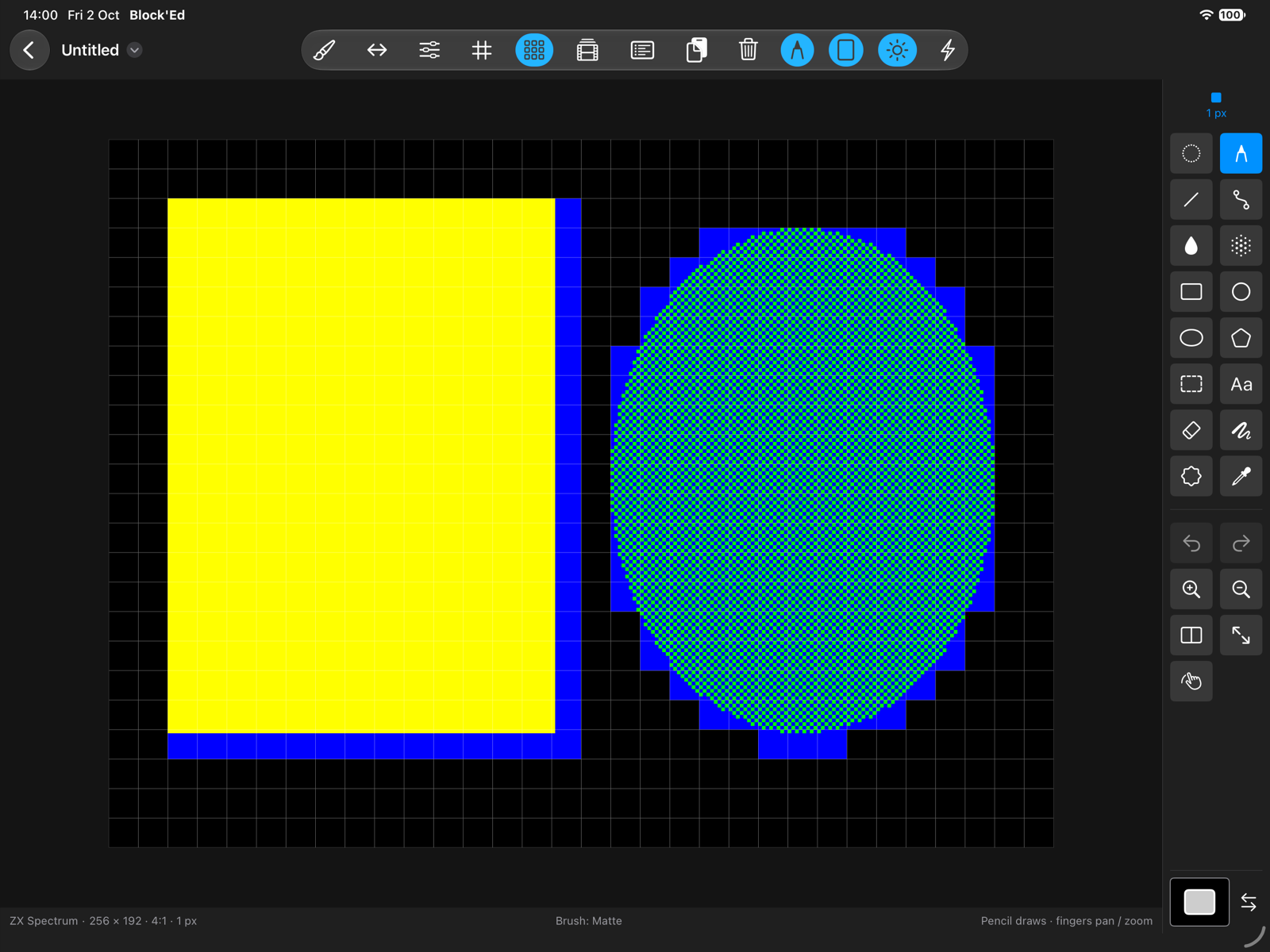
In ULA and Hi-Colour it matches the colour codes 0 to 7 at either brightness, and leaves the pixels, BRIGHT and FLASH as they were. A selection changes whole cells, so pixels outside the selection in a touched cell can change colour. In other modes it matches stored indices exactly, even where two entries hold the same colour.
← User Guide · Next: Fills »