
Assets
A document holds one or more assets: separate pieces of artwork in the same mode and palette, each with its own size, frames, delay and loop mode. A set of sprites, or the tiles of several levels, can share one document as a bank.
Asset list
The toolbar’s Assets button shows the asset list beside the canvas. The document remembers whether it is showing. Each row shows the asset’s first frame, its name, its size and its number of frames. Tapping a row makes that asset current, at the frame it was last on.
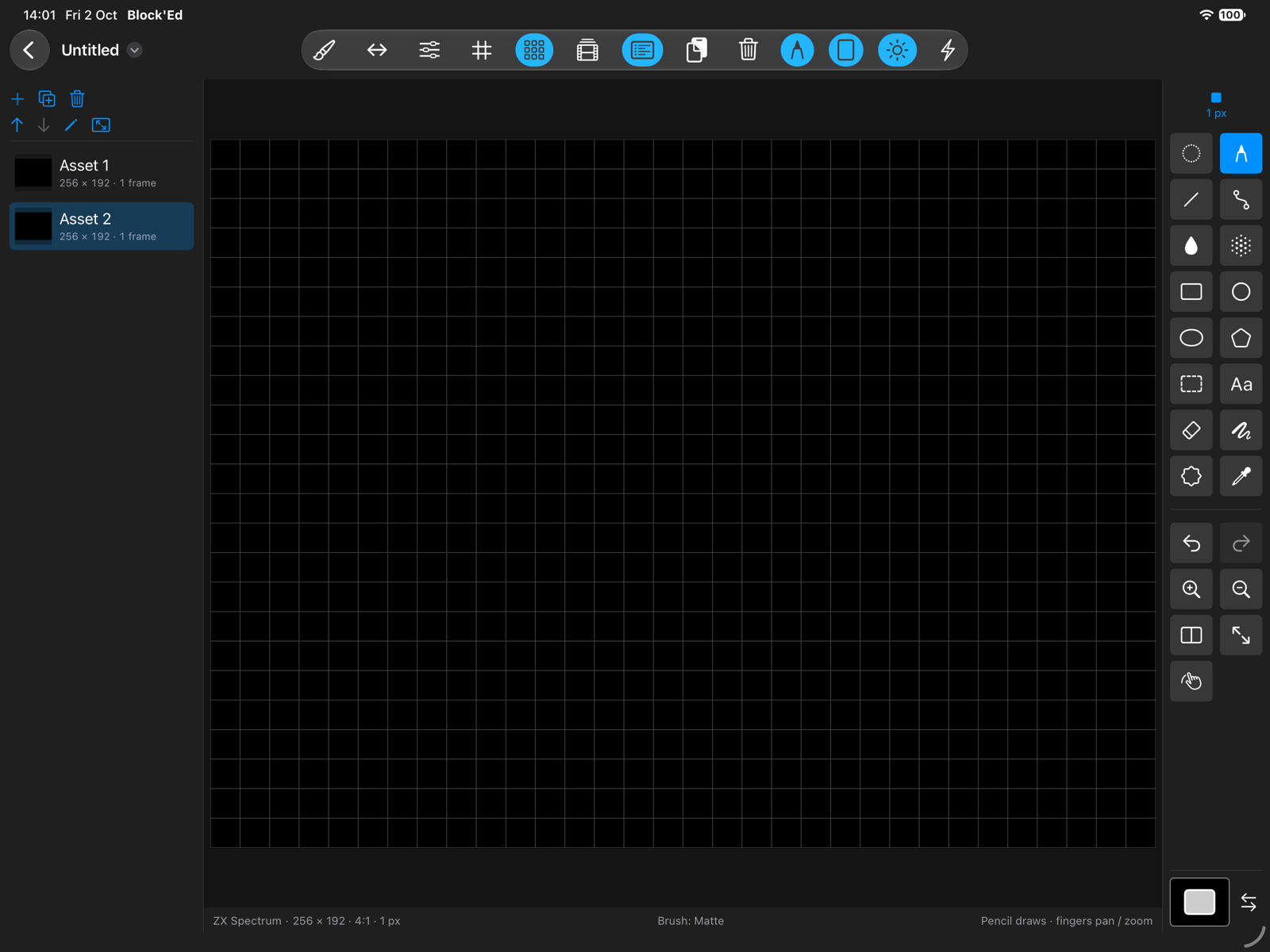
| Control | Does |
|---|---|
| Add asset | inserts an empty asset after the current one, at the current asset’s size, named Asset N |
| Duplicate asset | inserts a copy of the current asset with every frame, its name followed by copy |
| Delete asset | removes the current asset; not with one asset |
| Move asset up, Move asset down | moves the asset in the list |
| Rename asset | renames the asset; a name of only spaces is ignored |
| Resize asset | sets the asset’s width and height |
Each of these is one undo step. Choosing an asset is not. The list is locked while frames are playing.
The first asset of a new document is Asset 1.
Resizing
Resize asset opens Asset Size, with the width and height in steps of the mode’s cell or pattern, up to 4096. Every frame keeps its pixels from the top-left corner. Area added on the right or bottom is empty, and area removed is lost.
If a 16 × 16 sprite asset is resized to 32 × 16, its pattern stays on the left and a new empty pattern appears on the right.
Banks in files
A document with more than one asset, or whose only asset has been renamed, is saved as a bank: one row of the PNG per asset. See File Formats.
← User Guide · Next: Importing Images »