Inside the editor
Features
Block’Ed holds each picture in the form the target machine displays it: attribute cells for a Spectrum screen, palette indices for a Next layer, patterns for sprites and tiles. Save your work as a .blked project: a ZIP archive containing a PNG for each screen, sprite or tile set. The PNGs can be viewed in other apps. Block’Ed also exports a ZX Spectrum or Timex Hi-Colour screen as .scr, 4-bit tiles as .til, and sprite patterns as .spr.
01 / The tools
Drawing tools
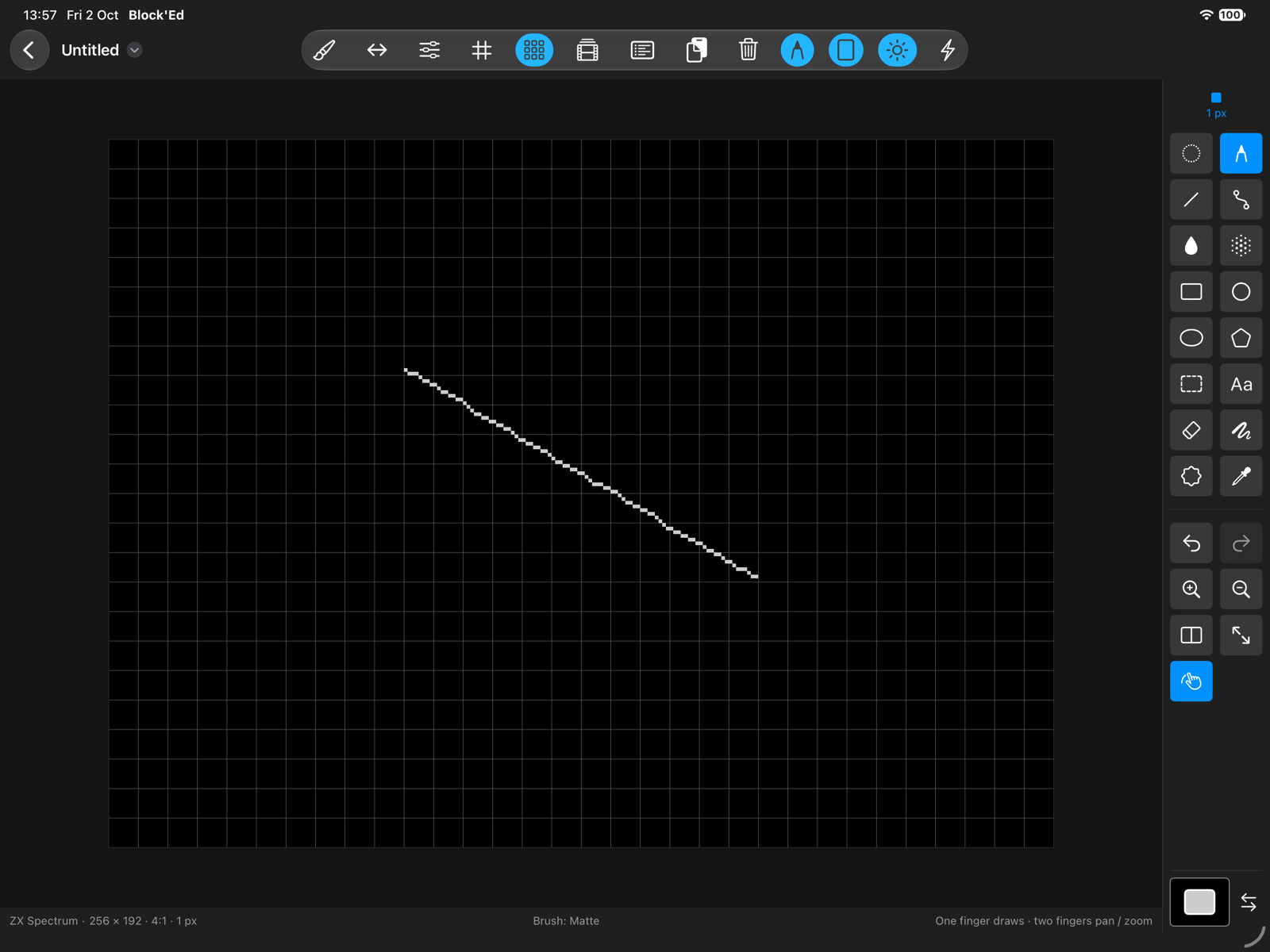
Sixteen tools: Pencil, Dotted, Line, Curve, Rectangle, Circle, Ellipse, Polygon, Fill, Airbrush, Eraser, Filled Freehand, Select, Text, Stamp and Colour Picker. Apple Pencil draws on iPad, a mouse, trackpad or tablet on Mac, and a stroke started with the secondary button draws with the background colour.
02 / The tools
Brushes
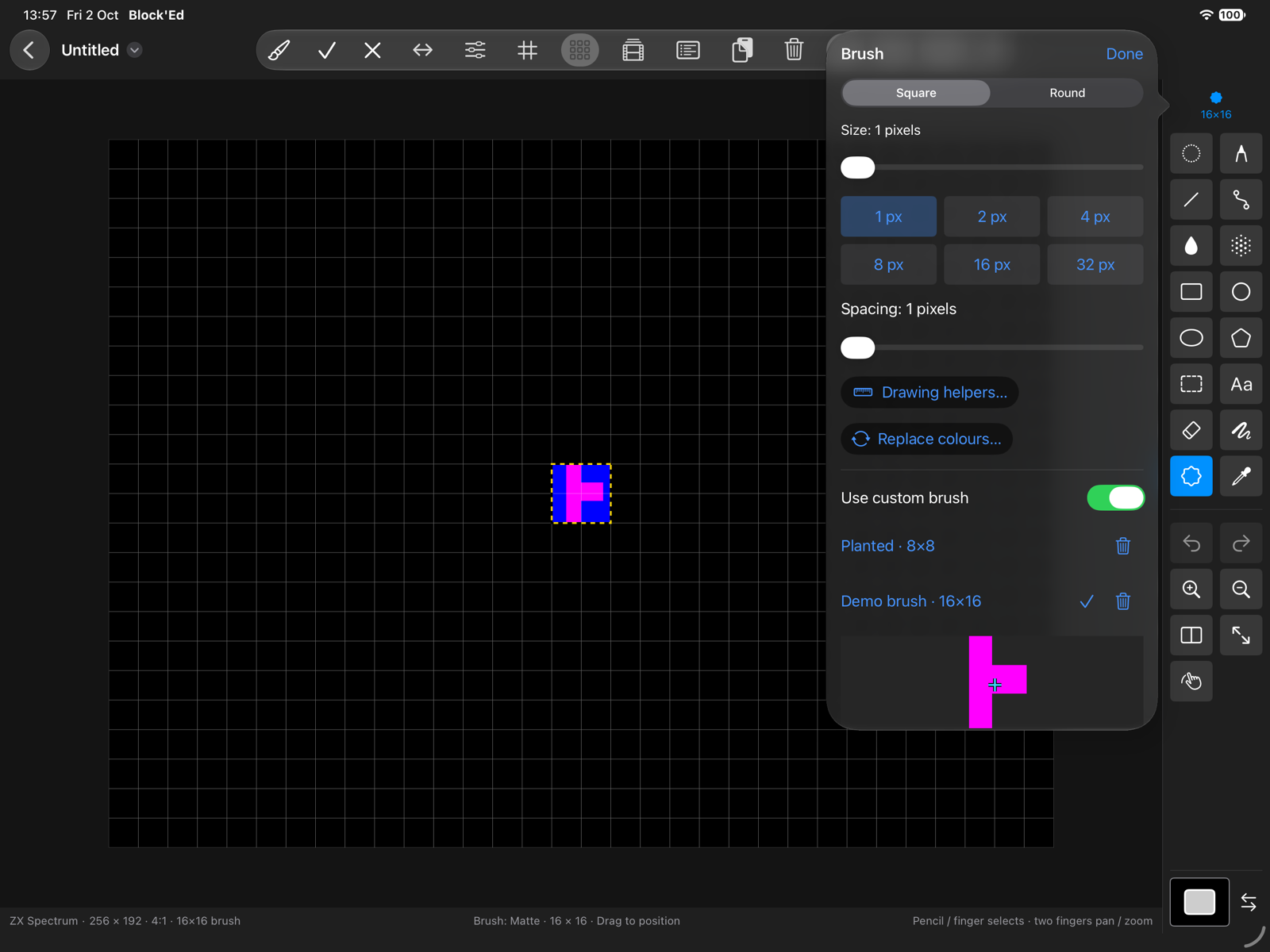
Choose a square or round brush, or pick up part of your drawing and use it as a custom brush. Resize, transform and stamp it wherever you need. Preset brushes range from 1 to 32 pixels, with pressure control from Apple Pencil or a tablet on Mac.
03 / The tools
Painting modes
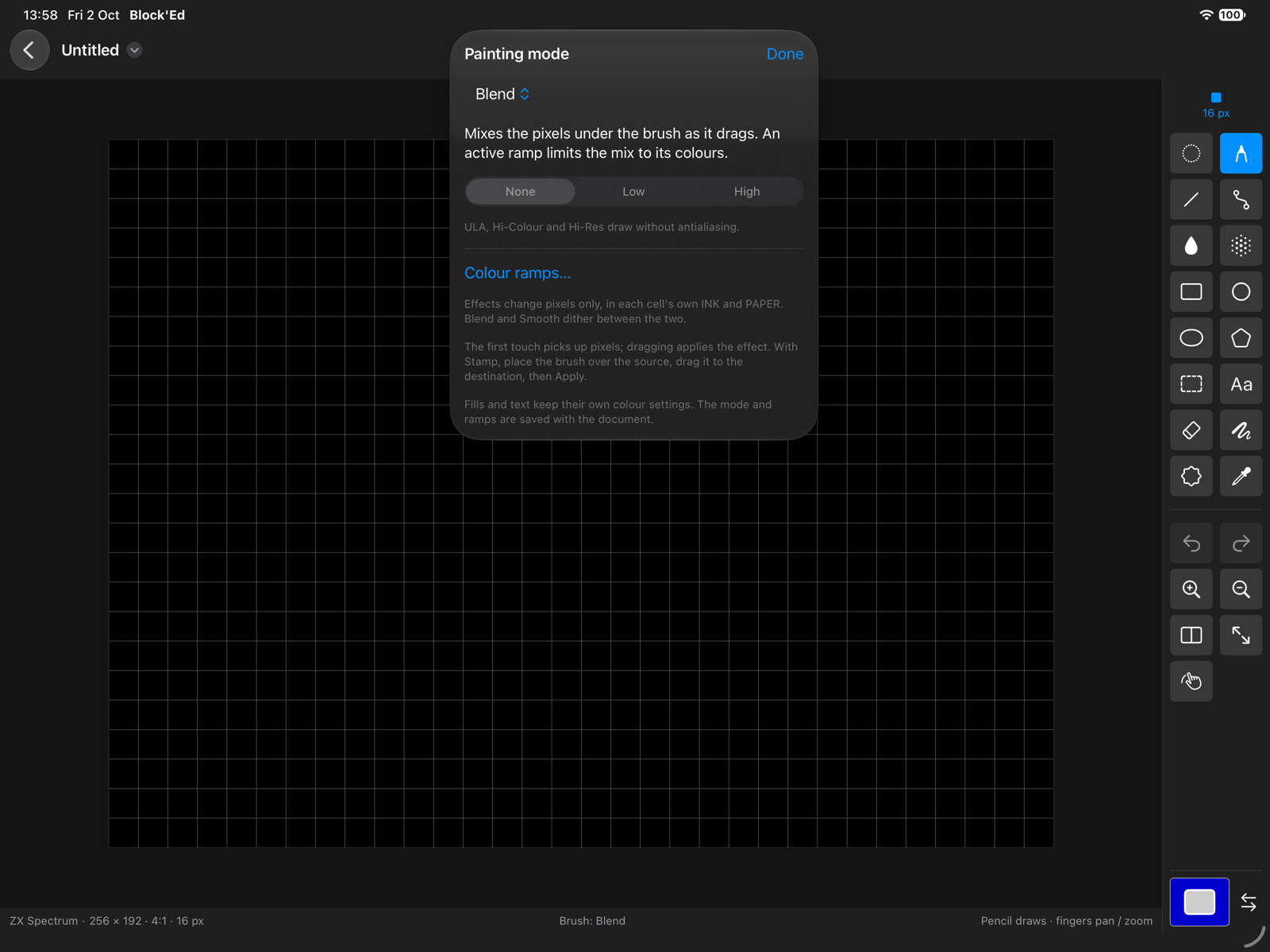
Nine painting modes set how each stamp of the brush combines with the artwork beneath it, among them Shade and Cycle, which step colours along a colour ramp. The mode and the ramps are saved with the document.
04 / The tools
Colours and palettes
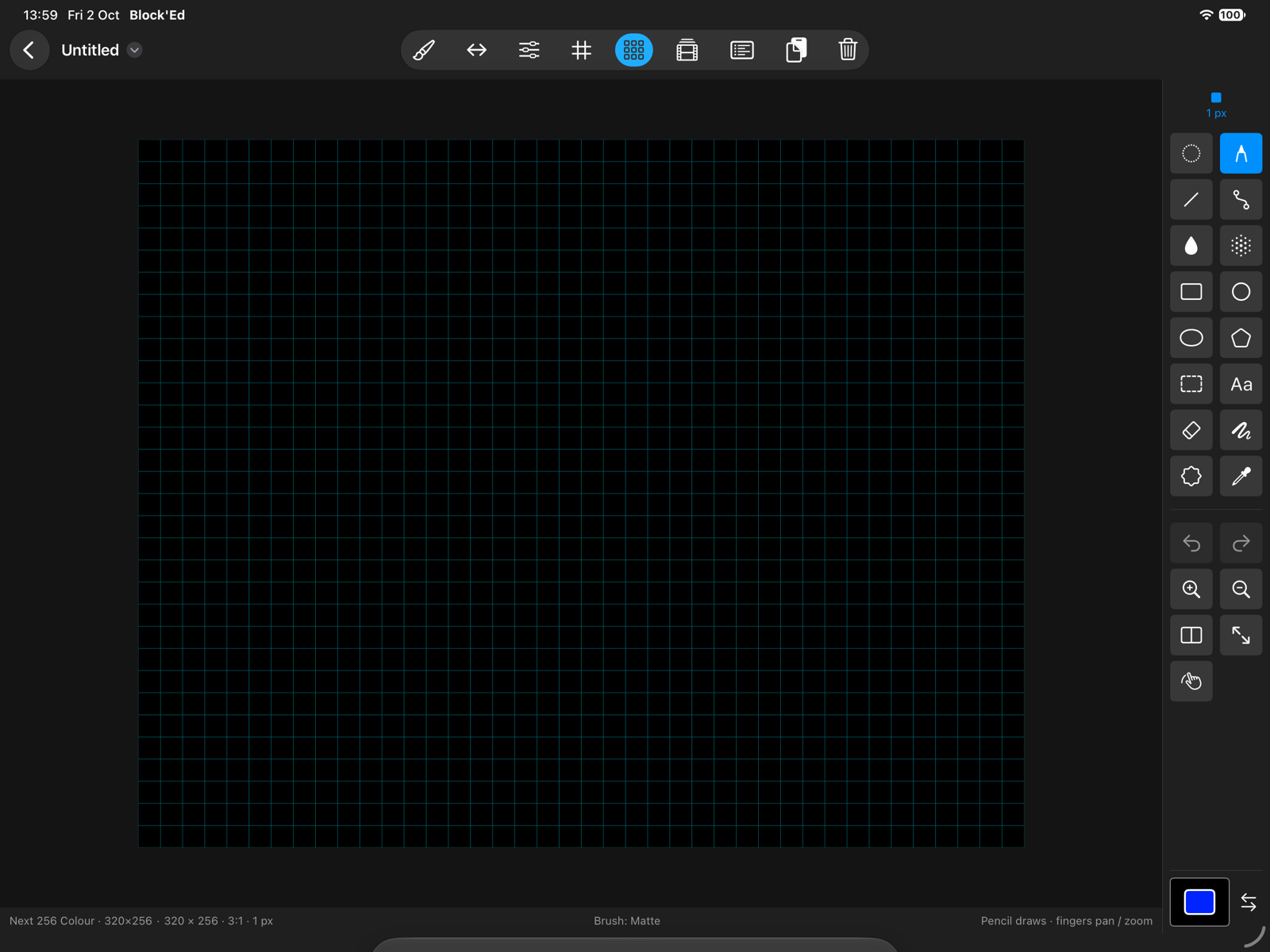
INK, PAPER, BRIGHT and FLASH in the attribute modes, each written only where its switch is on. Palette indices in the Next modes, with every entry one of the Next's 512 colours, and 4-bit banks for sprites and tiles.
05 / The tools
Fills
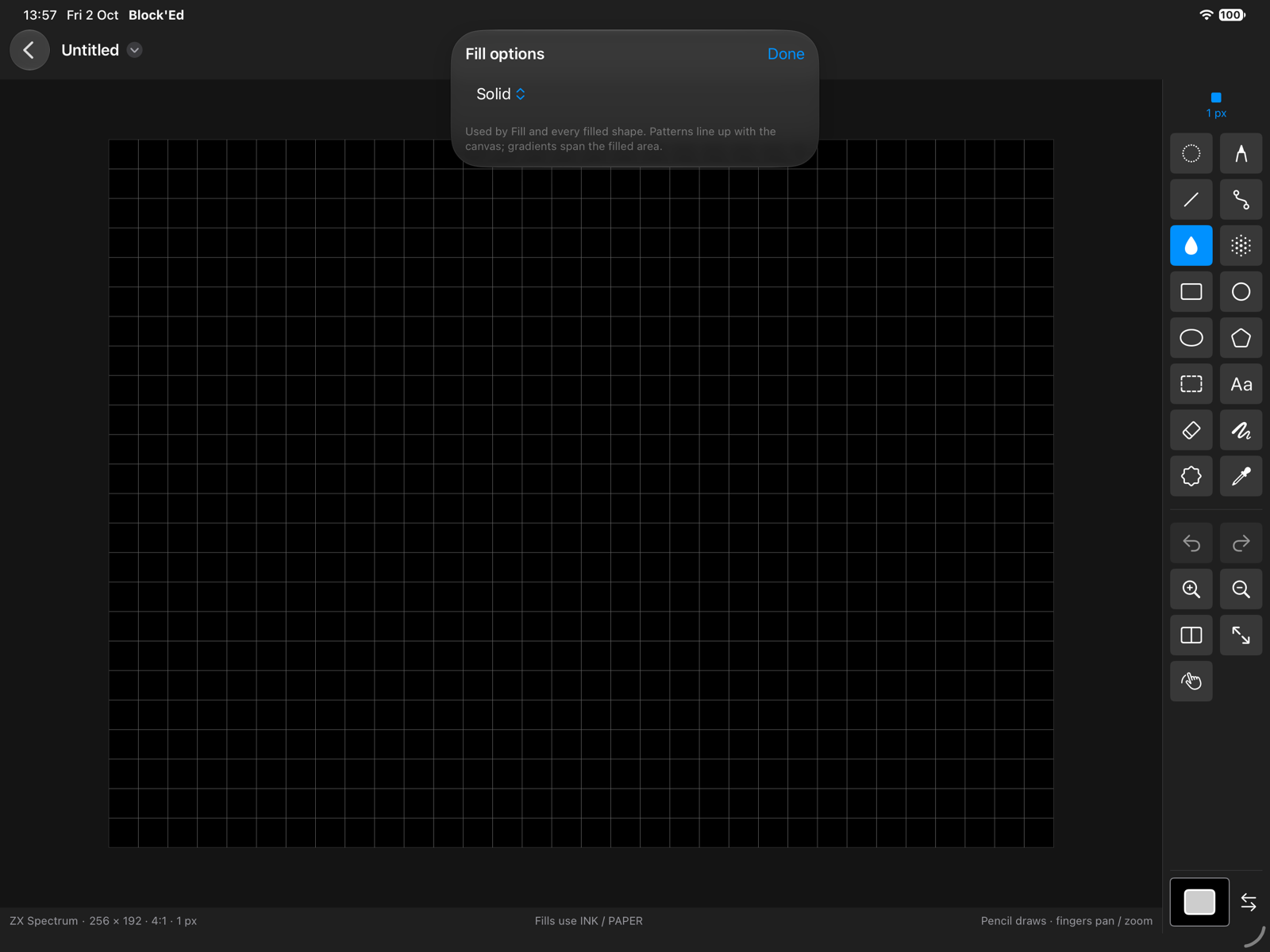
Solid, pattern and gradient fills, and fills that tile, stretch, wrap or project the custom brush. In an attribute mode a gradient dithers from PAPER to INK.
06 / The tools
Drawing helpers
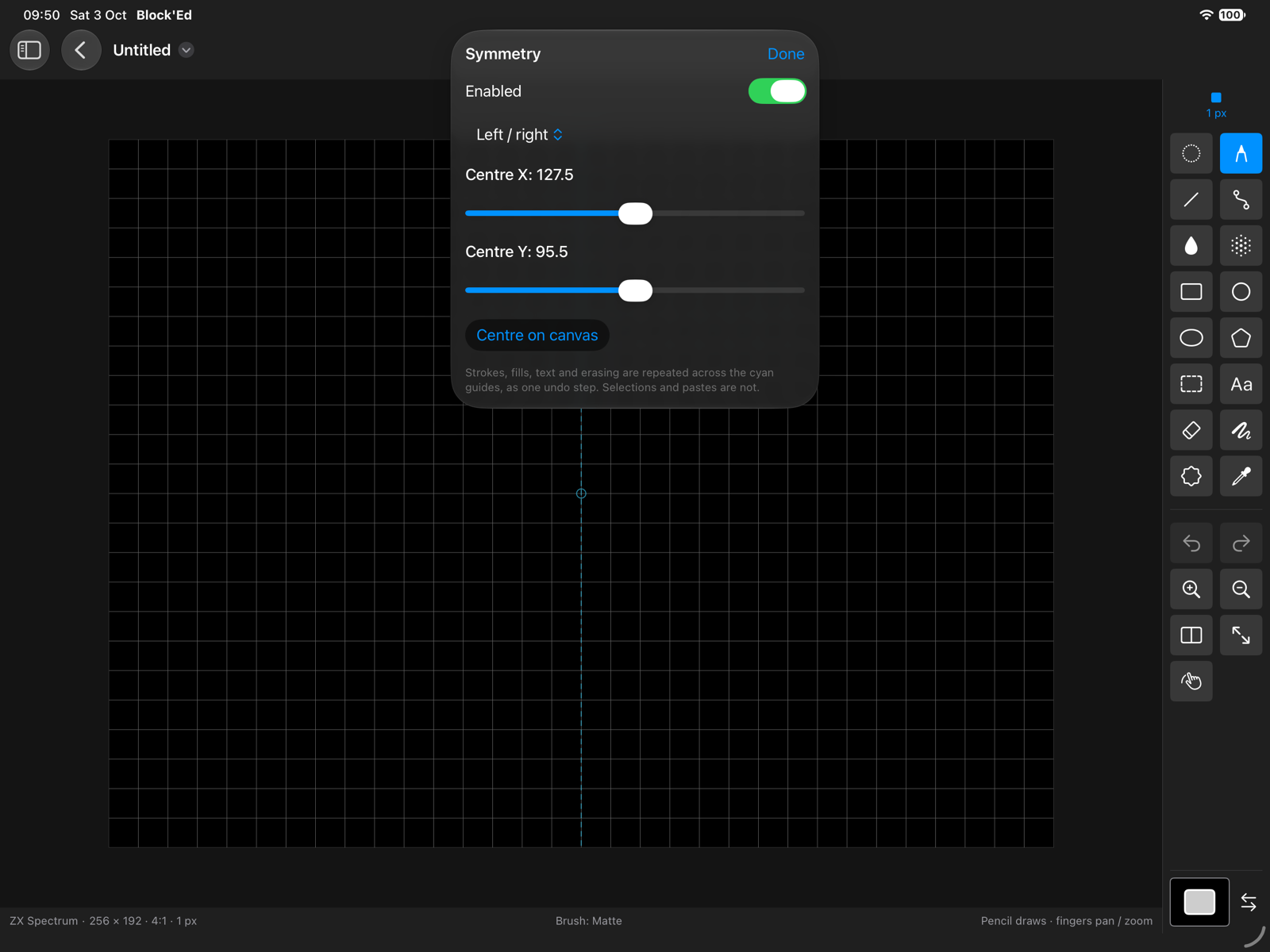
Keep things lined up with grids, snapping and straight-line constraints, or use symmetry to mirror your strokes.
07 / The tools
Perspective
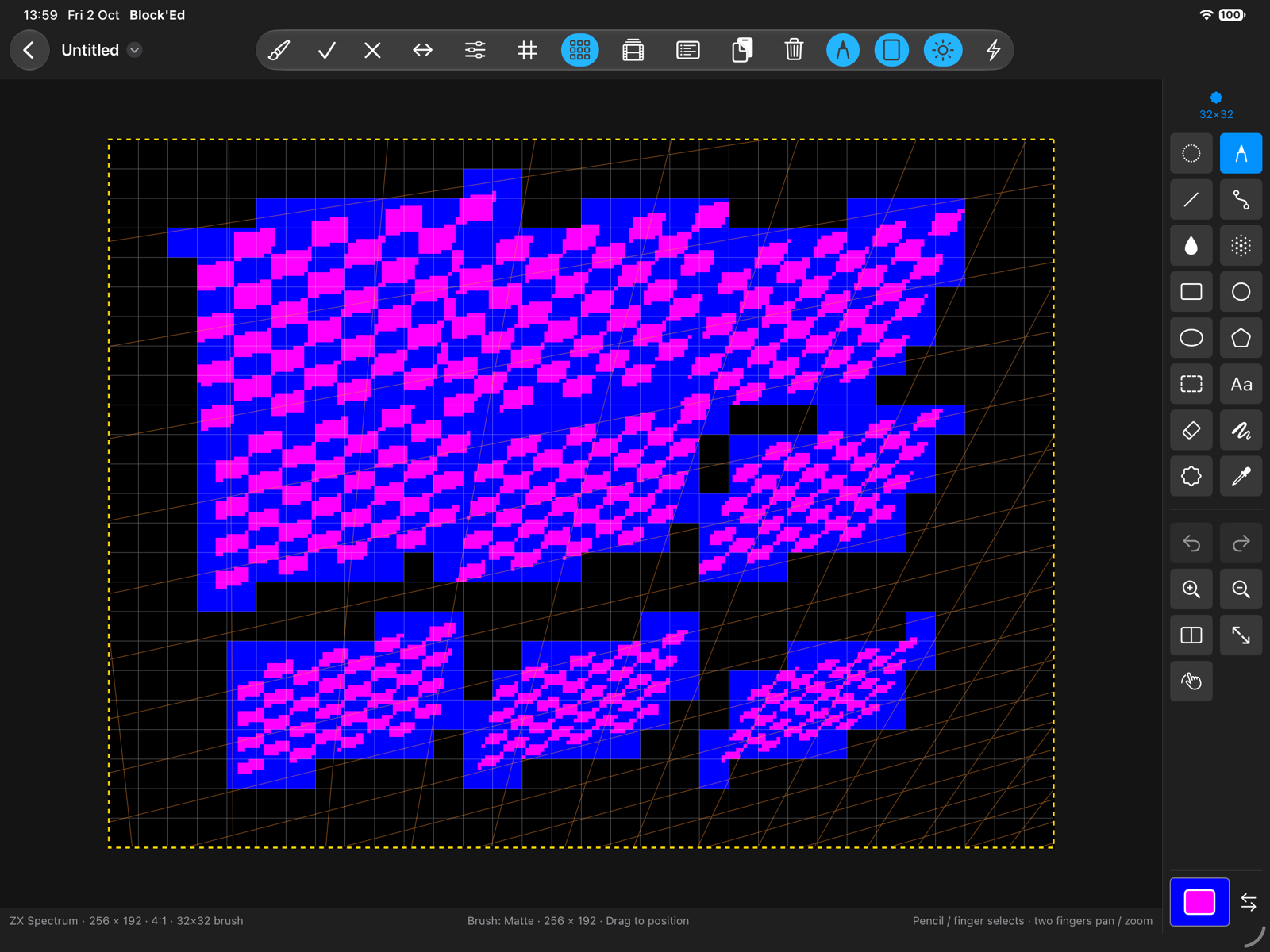
A custom brush painted as if it lay on a plane turned in space, with the plane's grid shown on the canvas.
08 / The tools
Animation
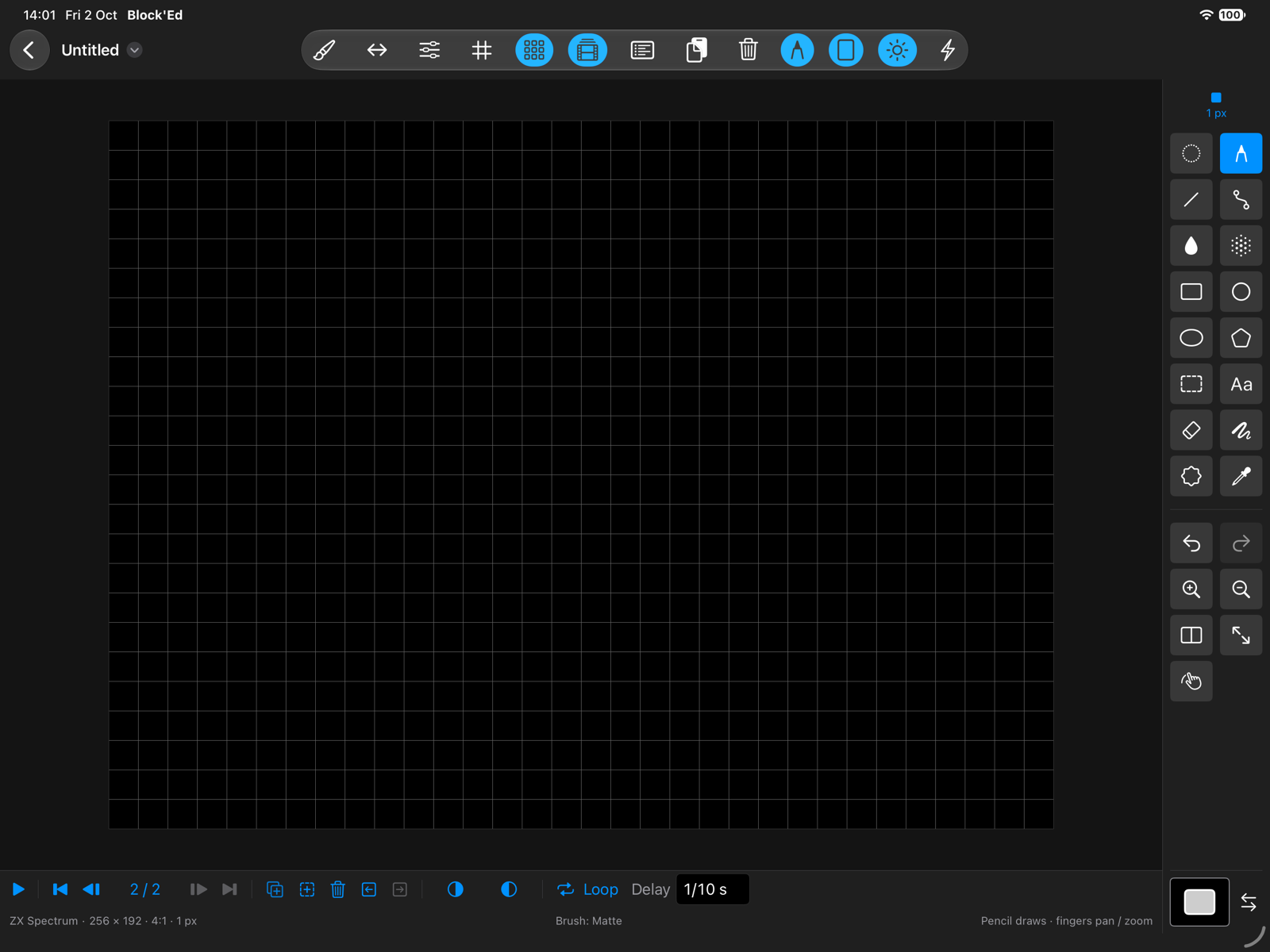
Build animations frame by frame. Use onion skins to line up your drawings, then play them once, in a loop or back and forth.
09 / The tools
Assets
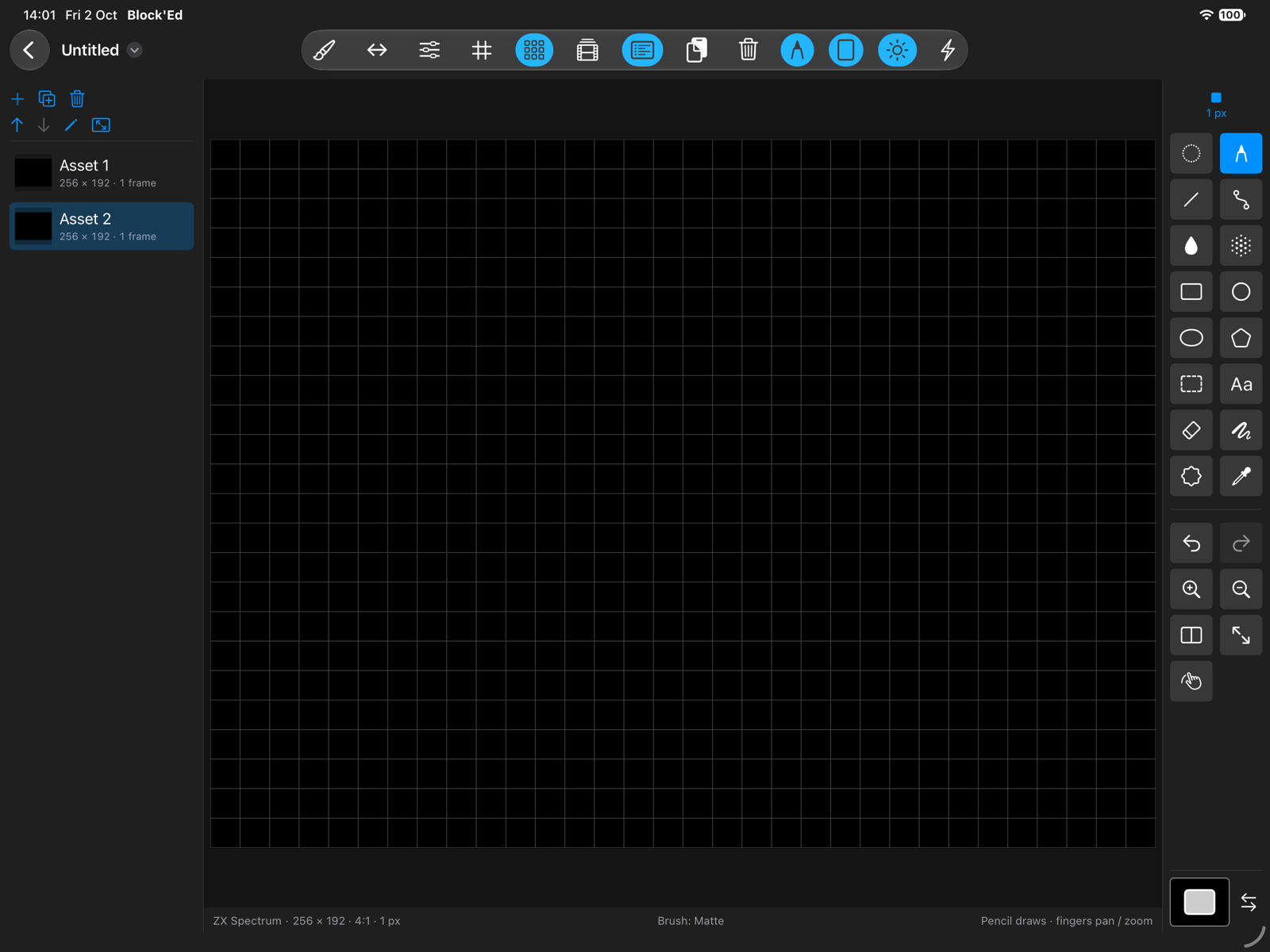
Several sprites or tile sets in one document, each with its own size and frames, sharing one mode and palette.
10 / The tools
Importing images
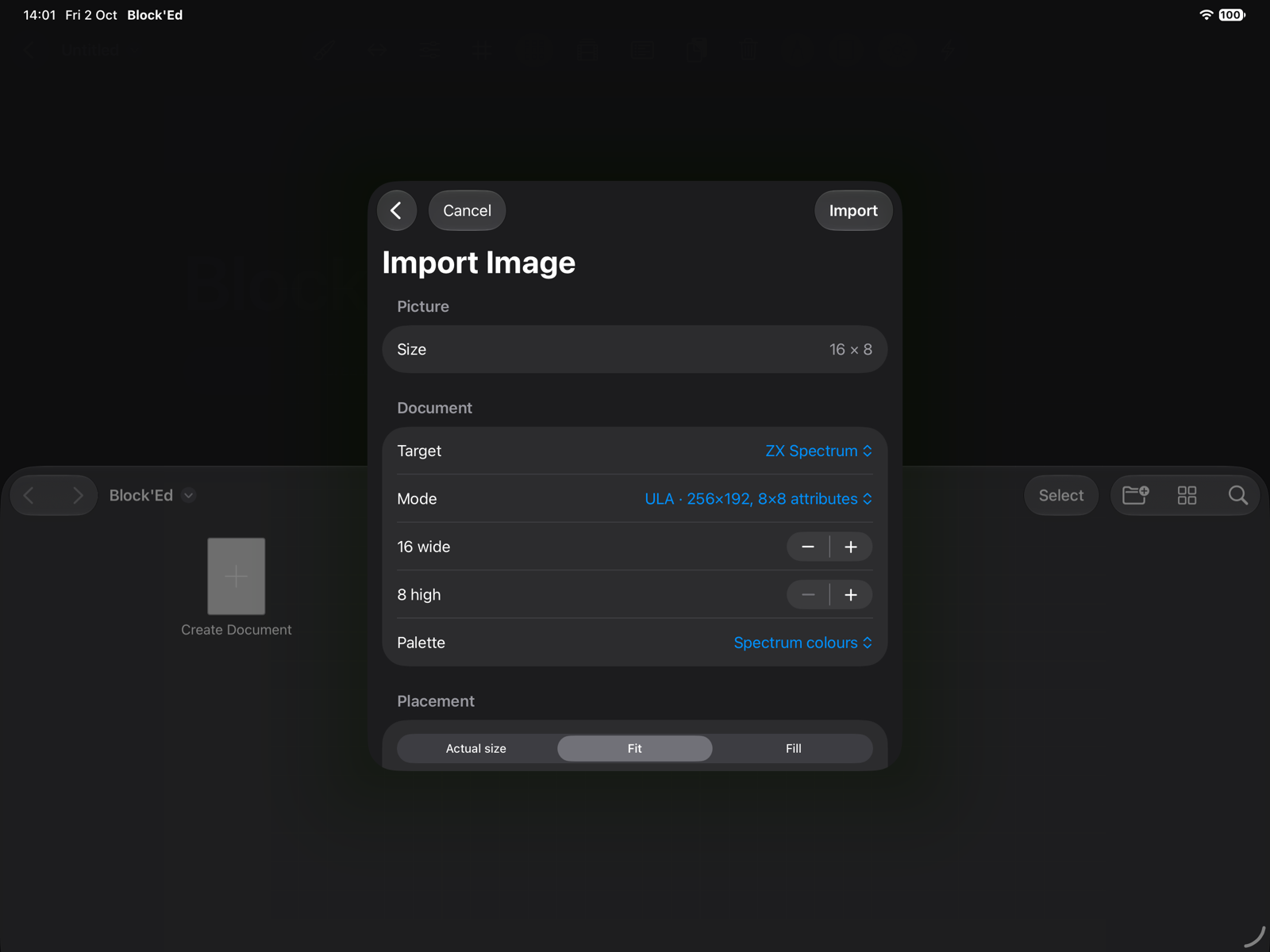
Import Image turns a PNG, JPEG, GIF, HEIC, BMP or TIFF into a new document: fitted to the canvas, reduced to the mode's colours, and cut into tiles or sprites. A tile that matches one already kept, as it is or mirrored or rotated, is kept once. Each frame of an animated GIF or PNG becomes a frame.